Posted in Construction, Forms, Safety

Safe Work Method Statement for students

I’ve just finished my first interactive SWMS to use in class. I’m pretty happy with it at the moment. It is not designed for actual business use, just for students as a learning resource. Feel free to use it and please give me feedback about things that don’t work, could be improved or could be added.

Click on the thumbnail below to download the PDF

SWMS

Posted in Graphics, Teacher resource

Design a Postage Stamp

I’ve recently started to get interested in self contained units of work delivered by interactive PDFs. Here’s the design a Postage Stamp unit for my graphics class with a new tutorial which is shorter and clearer. Click on the Stamp below to download it. The pencil on page one controls the marking tools on page 7-8, you click the tip to show them and the eraser to hide them. Not that it’s a great concern if students figure this out, I’ll still mark it even if they have already self assessed. I mostly wanted to experiment with the possibilities of using layers in a PDF document. If anyone knows how to add security or permissions to individual layers I’d love to hear from you.

This document is full of my own self promotional rubbish (just delete it) sorry, if you would like access to the original InDesign documents just drop me a line and I’ll package it up and stick it in my Dropbox for you.

Stamp

Click on the Tony Abbott stamp to download the Interactive PDF (55mb)


Due to demand a series of Australian Politician stamps is included here for your enjoyment…

AusPol

Posted in Sketchup, Teacher resource, Toy, Woodwork

New Sketchup Model and Toy Making Project

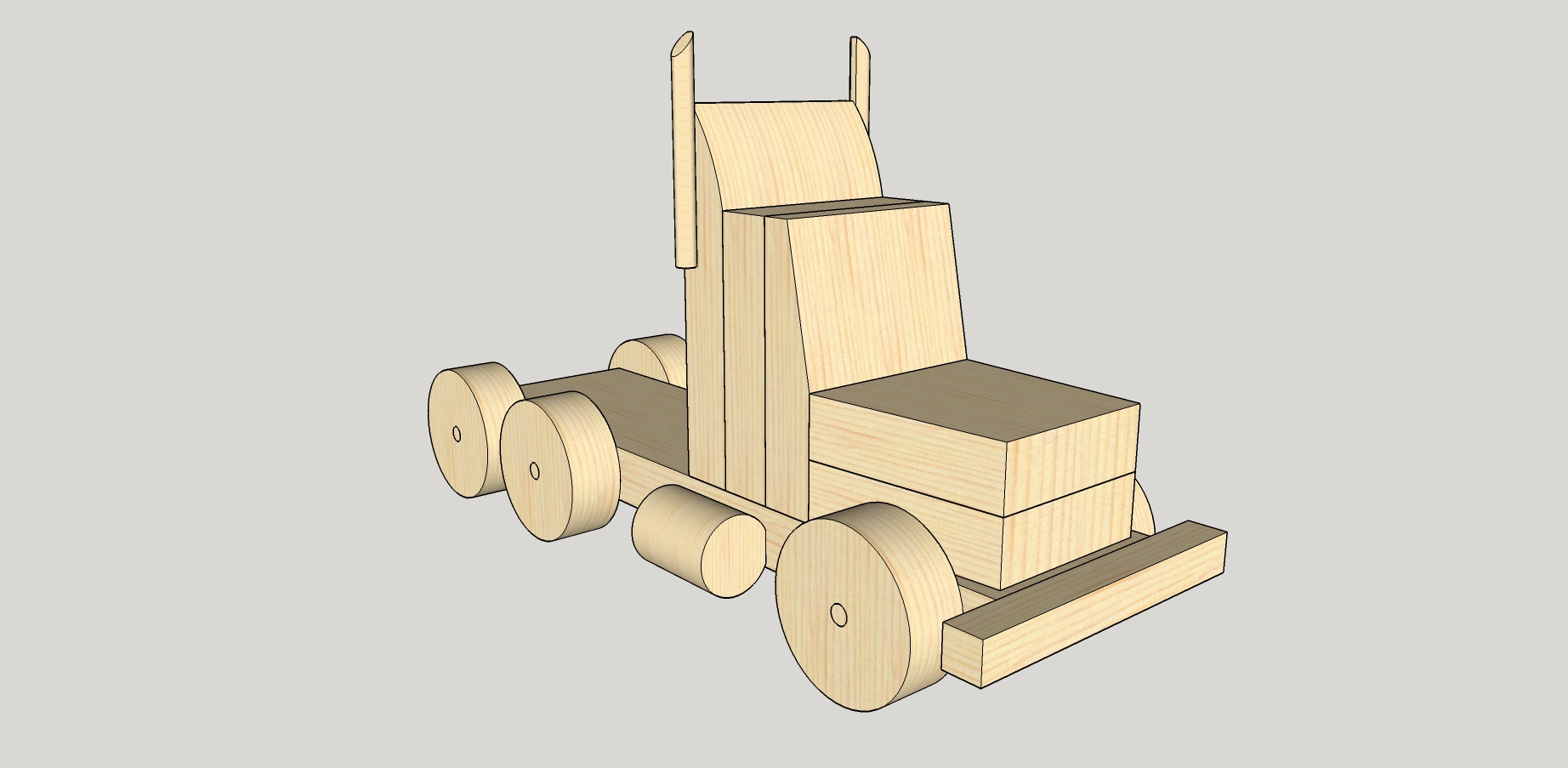
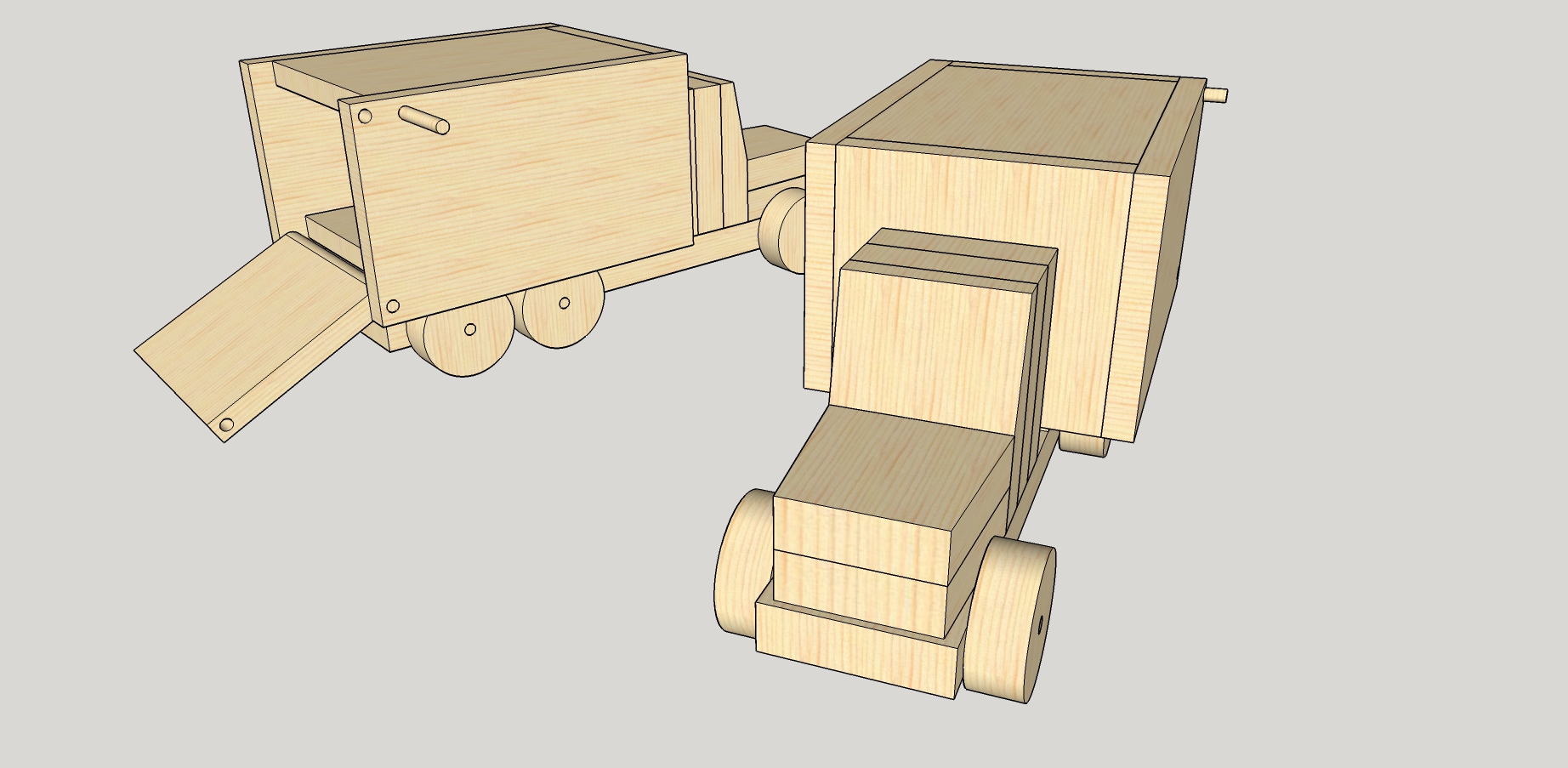
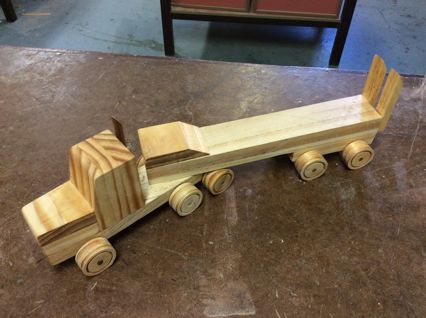
Just finished a few touches to a newish project for my Year 8 woodwork class. I found the basic plan a few years ago in an old Makita school resource and used it to help a casual teacher get through a tough patch last year. The students seemed to like it so I used it myself this semester and had some great results. I’ve completed the 3D model using Sketchup and placed it on the 3Dwarehouse for anyone to download, use and modify. The model contains 5 variations on the basic model just click through the scenes. I haven’t been too picky with layers, it’s all pretty basic. The majority of the work is with 19mm and 12mm stock, with a 50mm holw saw for the wheels. I’ll prepare some PDF working drawings soon so stay tuned.

Download the model from the 3dWarehouse

Toy Truck1Toy Truck6 Toy Truck5 Toy Truck4 Toy Truck3 Toy Truck2
1B2467AA-C90E-4282-B482-9EC70EC1669D_thumb
058D8725-A768-4216-9077-A702A70B5401_thumb 75CEEF49-D93E-49D9-8345-3437EBB429EF

Posted in Documentary, Teacher resource, Video

How It’s Made Plastic Bottles & Jars

The resources that are freely available online (sometimes of dubious copyright) amaze me. It’s no wonder modern students can sometimes feel overwhelmed. Never fear, I hope that this blog can find and share some of the most useful for your studies in Design and Technology.

Here’s a great video on the manufacture of bottles and jars.

Now see those bottles recycled into polyester.

Posted in Teacher resource

Dropbox and Office 2013

Are you using Dropbox and Office 2013 on your PC at home or school? If you are, then below is a small batch file to help Office 2013 programs to save straight into you Dropbox folder and get sync’d to the cloud(you will need the Dropbox desktop client installed). Download this batch file,  right click on it and run as Administrator. Follow the simple directions on screen.

Once the setup has completed, start a blank page in Word or Excel file, go to Save As and choose Add a Location. You will see an icon for Dropbox, choose it and you’re done. You can now save a document to the cloud and access it from any device. This is a great time saver going to and from my school. Remember as far as I can see Dropbox is the only cloud storage service which has a client with the ability to set the Proxies manually.

Unfortunately if you are using anything other than Windows 8.1 behind Proxies (like the NSW Dept of Ed.) then using the Microsoft cloud option Onedrive (formerly Skydrive) is not going to work. It will work through a browser but NOT directly through the Word or Excel application.

Posted in Bus, Forms, vehicles

EOFY desktop cleanup! Bus checklist!

One of the things I get called upon to do regularly is redesign forms/ logos/ letterheads etc. for the school I work at. Well a few months ago our school received a shiny new bus and I was asked to redesign the Inspection Paperwork. We needed to make it simple and effective… well to keep our new Fuso Rosa 24 seat bus like new. Now I’m making the assumption that because this is the bus we got, then other schools will probably get the same. I’m a huge fan of sharing, that’s why I thought it would be useful to share this document for other schools to use and change for their needs.

The bus vector drawing turned out pretty accurate, it’s a Fuso Rosa 24 seat bus. I originally found a similar bus online which I live traced in Illustrator. Then I went to the bus shelter took some photos with my phone and draw around the extra bits, doors, windows, bull bars, tow bar, mirrors and other little details all by hand using good old pen tool in Illustrator. After placing all the parts together and using some artistic license, wallah! A bus which, if I do say so myself, looks remarkably like our bus. I even made the sign on the door mirrored.

I’ve removed our schools crest. And now here’s a generic bus Pre/Post Inspection Checklist. I hope it floats around the Internet and ends up useful to some, especially other NSW DEC schools.

School Bus Checklist

Posted in cars

Tesla Motors building the Model S

An excellent series of short videos from Wired magazine that explores the process of building what could become the car of the future… The Tesla Model S

Posted in Design and Technology, Documentary, Teacher resource, Video

Barcodes, how they work.

I blogged a few years ago about my early experiments with QR Codes. Well here is a great detailed explanation of how Barcodes work, very interesting.

How Do Barcodes Work?

Posted in Design and Technology, Documentary, Industrial Technology, Teacher resource, Timbers, Video, Woodwork

Veneers and Medium Density Fibreboard (MDF)

Two excellent resources I found on Youtube recently that show the manufacture of several timber products. Although a little long in the tooth they make excellent resources for student and teachers covering Industrial Technology and Design and Technology.

How Timber Veneers are Made.

How Medium Density Fibreboard is Made.

Posted in Anthropometrics, Design and Technology, Documentary, Ergonomics

Design & Technology Revision: Ergonomics in Design

I’ve just come across these great resources for Design students preparing for the coming HSC.

First is the website Ergonomics 4 Schools

And a Youtube video;